
tModLoader Guide: Install, Variants & Mod Browser (1.4.5)
tModLoader is Terraria's official mod platform — free Steam DLC, the in-game Mod Browser, stable vs legacy variants, and how it stays separate.
FAQ
Is tModLoader free?
Is tModLoader safe and official?
Does tModLoader work with Terraria 1.4.5?
Can vanilla and modded players play together?
Where are tModLoader mods downloaded?
What is tModLoader?
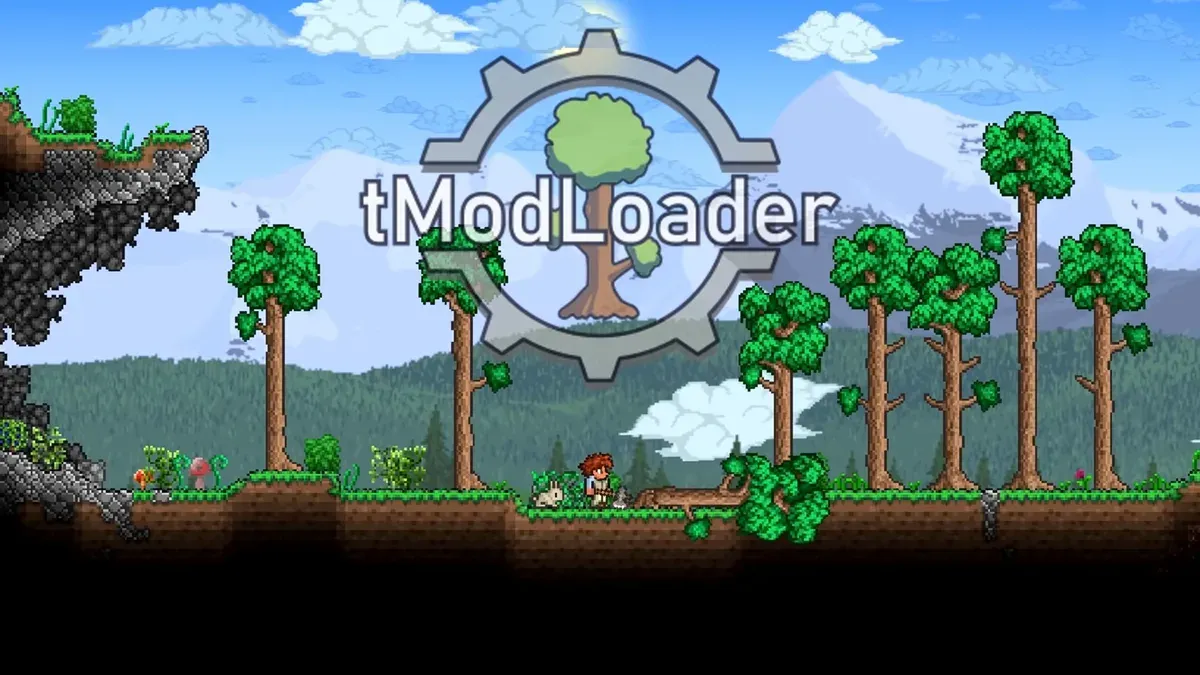
tModLoader (TML) is the standalone modded version of Terraria — the base game rebuilt with a mod API, maintained by the community-run TML team and officially endorsed by Re-Logic (they’re listed as its publisher on Steam). It installs as a separate free DLC on the Terraria store page or as a manual download from GitHub, and vanilla Terraria stays untouched alongside it.
The catch is structural: TML is a separate game. Mods written for one TML variant may not run on another, saves live in their own folder, and vanilla clients can’t join a modded server. Everything about TML flows from that separation.
Install paths
- Steam: search “tModLoader” in the Steam store or add it from Terraria’s DLC list — app 1281930. The Steam install handles updates and Workshop integration automatically.
- GitHub:
tModLoader/tModLoaderreleases page — the manual install for GOG/other builds or for pinning a specific version.
Either way you get the same launcher: main menu with Workshop → Mod Browser for discovery, Mods for enable/disable management, and Mod Packs for saving a whole setup as one preset.
The variant system
Because TML rebuilds the base game, each TML version pins to a vanilla version — and they drift apart every patch. Current lineup:
| Variant | Purpose |
|---|---|
| Stable | The default public release — tracks the most recent Terraria it has caught up to |
| 1.4.3-legacy | Frozen at vanilla 1.4.3 — hosts mods that never updated past it |
| 1.3-legacy | Frozen at vanilla 1.3 — the old-school mod archive |
Steam’s beta tab lets you switch variants; the Mod Browser filters to whatever your current variant supports. When vanilla 1.4.5 shipped, stable TML lagged behind while it rebuilt — that delay is normal and is the tradeoff for a real mod API.
The built-in Mod Browser
The in-game Mod Browser is the intended mod source — one-click install, update notifications, automatic dependency resolution, and no manual file juggling. Mods land as .tmod files under Documents\My Games\Terraria\tModLoader\Mods on Windows (with platform equivalents elsewhere).
Two mod categories matter most:
- Content mods — full overhauls like Calamity, Thorium, Fargo’s, Stars Above: new bosses, biomes, classes.
- Quality-of-life mods — recipe browsers, boss checklists, infinite buff stations, AutoTrash, loot filters — the mods most players consider essential after vanilla.
The Mod Packs menu saves your whole enabled list as a preset, which is how communities share working mod collections without the “why won’t it load” dance.
Multiplayer and servers
TML multiplayer requires every client on the same mod set — the game enforces mod matching automatically when joining. Dedicated TML servers ship with the install and work like vanilla’s dedicated server plus mod enforcement; our server commands reference covers the console basics that carry over.
What TML is not
- Not console/mobile — mods are PC-only; no official path exists elsewhere.
- Not a cheat system — cheats live in Journey Mode or TShock plugins (see cheats); TML is a content platform.
- Not endorsed mods — Re-Logic endorses the loader, not what runs on it. Individual mod bugs, balance, and safety are the community’s.
For the hands-on install-and-first-mod walkthrough, see our modding guide.
Screenshot sources: cover and gallery — official tModLoader Steam page screenshots (TML Team / Re-Logic).
Gallery
Related Articles
Terraria Item IDs: What They Are & How to Use Them (1.4.5)
Terraria has no redeem codes — but every item has a numeric ID. What IDs are for and the three real uses: save editors, TShock servers, and tModLoader mods.
Last updated Sep 27
Terraria Server Commands: Full Console List + TShock (1.4.5)
Every vanilla Terraria server console command — exit, save, kick, ban, say, motd, time controls — plus Journey Mode powers and where TShock fits in.
Last updated Sep 27
Terraria 1.4.5 'Bigger & Boulder': Everything in the Update
Terraria 1.4.5 released January 27, 2026 — Palworld and Dead Cells crossovers, the Skyblock seed, 35–37 secret modifiers, new boulders, and 1.4.5.7+ hotfixes.
Last updated Sep 27
Was this helpful?
Thanks for the feedback!